
- A public gallery Share drawings with AlDraw's new Share button, and see what others have made in the gallery. Open any drawing in AlDraw to see how it was built, or download it as an AlDraw file, PNG or SVG. There are no accounts: sharing gives you a private link for replacing or deleting your drawing later.
- A compass that keeps its radius After the Non-collapsing Compass draws a circle, click more points to draw more circles the same size. Press Escape, or click the tool again, to measure a new radius.
- More precise geometry Drawings are saved exactly as AlDraw holds them, and crossings are found more accurately, so detailed constructions stay correct. Drawings saved by earlier versions still open, and aren't changed unless you save over them.
- Sharper pictures Drawings look crisp on high-resolution screens, and PNG and SVG downloads now match what you see, including the line width and hidden lines.
- Old saves are back Drawings saved in this browser before May 2021 appear in the Save/Load dialog again.
- Fixes Arcs that meet end to end join in whichever order they're drawn. Drawing by touch works again after a gesture is interrupted. Zoom to Fit handles empty drawings and drawings in a straight line. Undo and redo update the autosave, a damaged save no longer stops the Save/Load dialog from opening, and keyboard shortcuts no longer fire while you type.
AlDraw
Geometric drawing with a compass and straightedge.
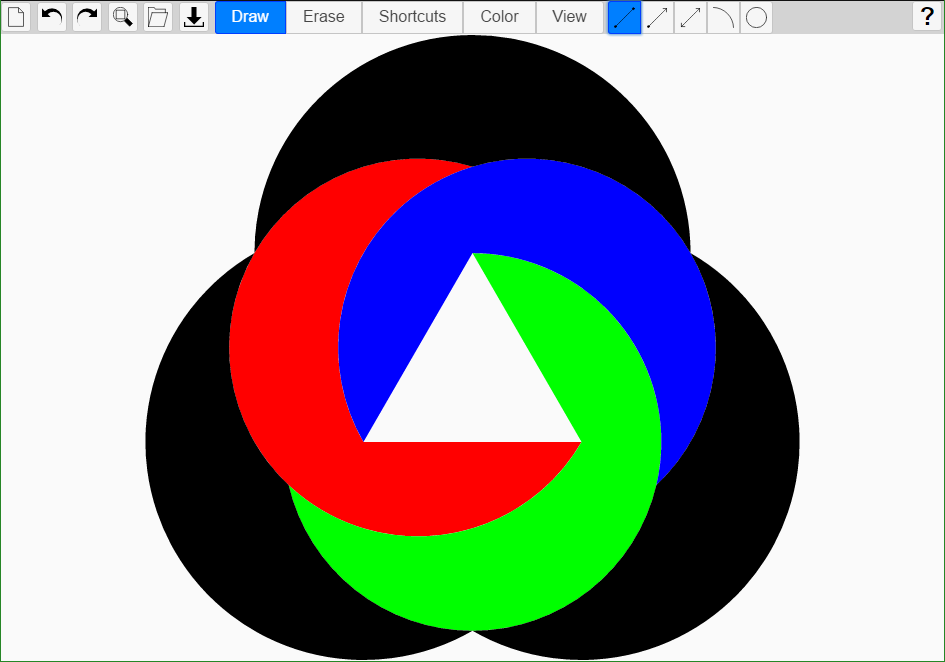
Start from a circle and its points. Draw lines and circles through the points you have, and every place they cross becomes a new point to build from. Then fill the shapes you've made with color.
Runs in your browser, with nothing to install. Also available for Android on Google Play.
Construct
Draw segments, rays, lines, arcs and circles, only through points you've already made, just as classical constructions do.
Skip the busywork
Shortcuts find midpoints, bisect angles, and draw parallels, tangents and circles of a radius you've measured, in a click or two.
Share
Share your drawings in the public gallery, or download them as AlDraw files to keep, or as PNG and SVG pictures.